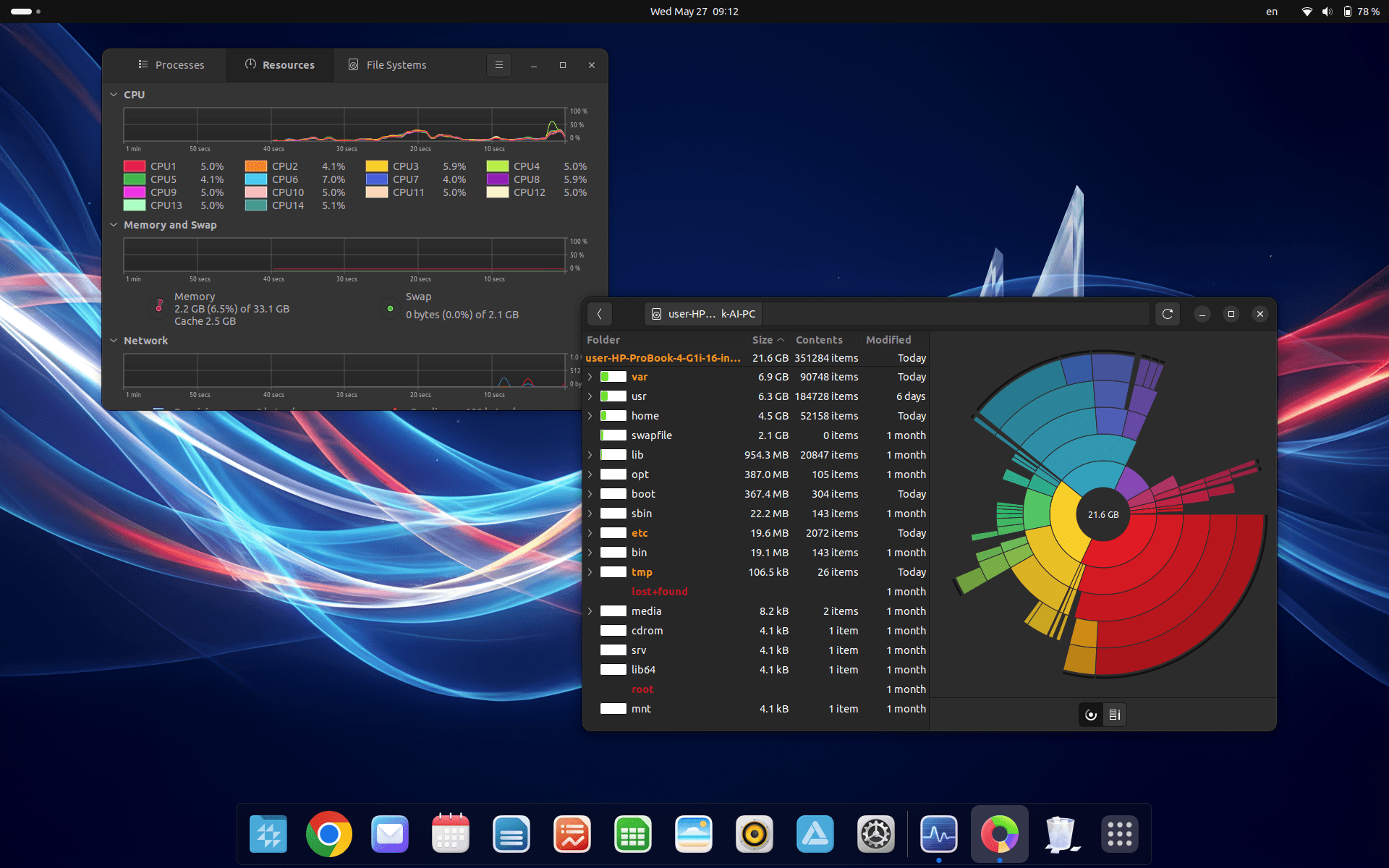
CrvenaOS — developed in Serbia, designed for the world.
A modern operating system that adapts to you — with privacy, stability, compatibility and support in Serbian.
Why CrvenaOS
More than an operating system.
Linux architecture with privilege control, trusted software sources and local infrastructure in Serbia.
Least privilege
Everyday work without permanent admin rights — critical changes require a password and reduce malware risk.
Trusted software sources
Install from repositories and the App Store instead of downloading from random sites.
Stability and reliability
Optimised operation and long system life with fewer interventions.
Centralised updates
Apps and system components update through one mechanism — fewer outdated, vulnerable versions.
Lower licence costs
Without the same costs as commercial OSes — meaningful savings for individuals and organisations.
Hardware compatibility
Core drivers ship with the system; less manual downloading from the internet.
Flexible formats
Support for Deb, Flatpak and AppImage, plus tools like Bottles for certain Windows apps.
Developed in Serbia
Local infrastructure, Serbian-language support and a UI designed for switching from Windows.
Pre-installed Software
Everything you need is already installed.
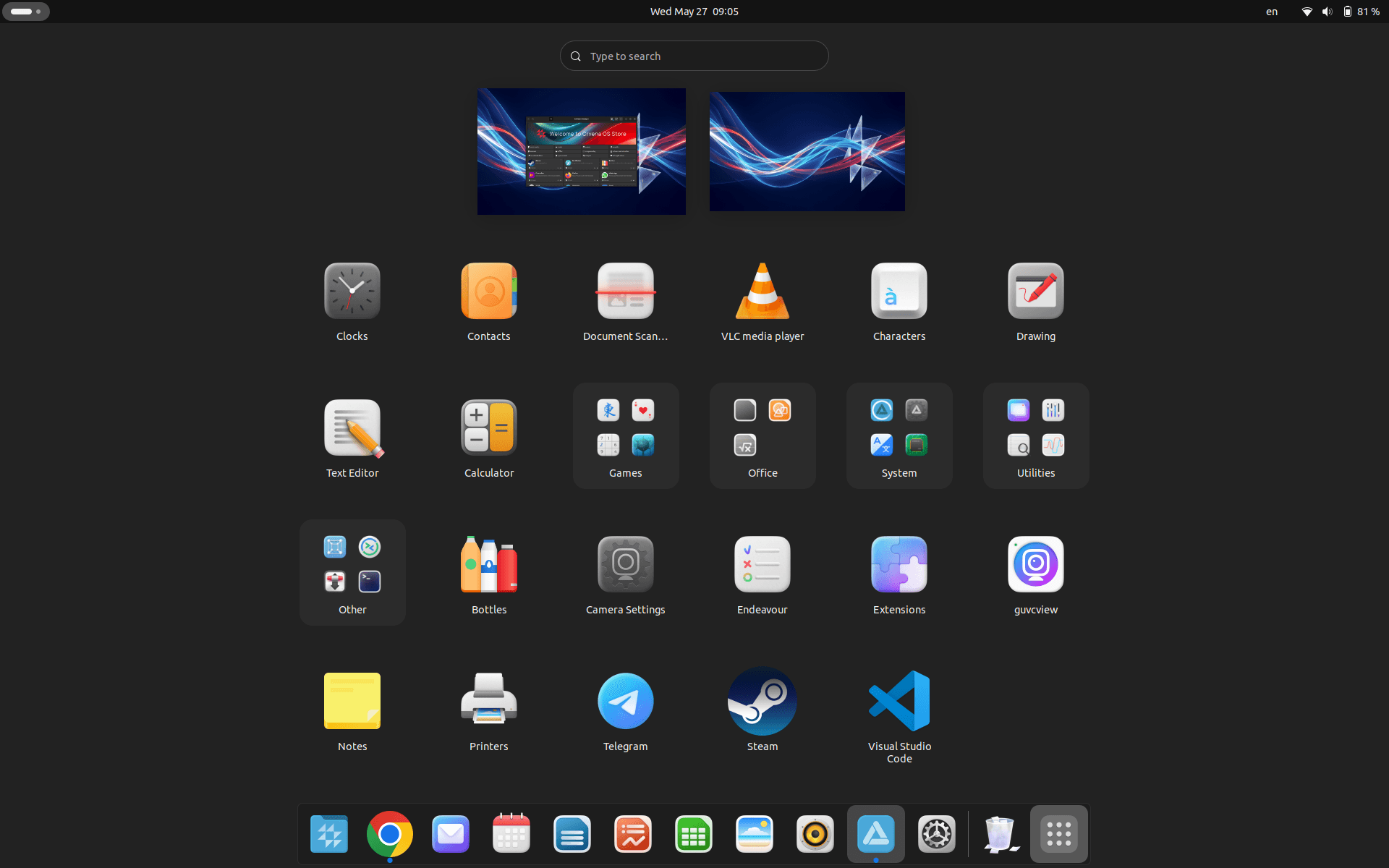
From the very first boot, CrvenaOS comes with tools for work, communication, productivity and everyday use.
Features
Practical. Compatible. Secure.
System control
Better control of users, permissions, services, updates and installed software — key for standardised environments.
Lower malware exposure
A different architecture and privilege model reduce the chance of malware taking control.
Safer data handling
Disk and folder encryption, precise user permissions and protection for confidential documents.
Practicality
Graphical UI, App Store and familiar workflows — switch from Windows without living in the terminal.
Compatibility
Wide software and hardware support, including printers, scanners and Bluetooth devices.
Support
Support in Serbian. Infrastructure and updates hosted in Serbia.
Hardware Compatibility
Works with the hardware you already have.
CrvenaOS supports a wide range of peripheral devices and equipment.
Built-in Tools
Practical tools for everyday work.
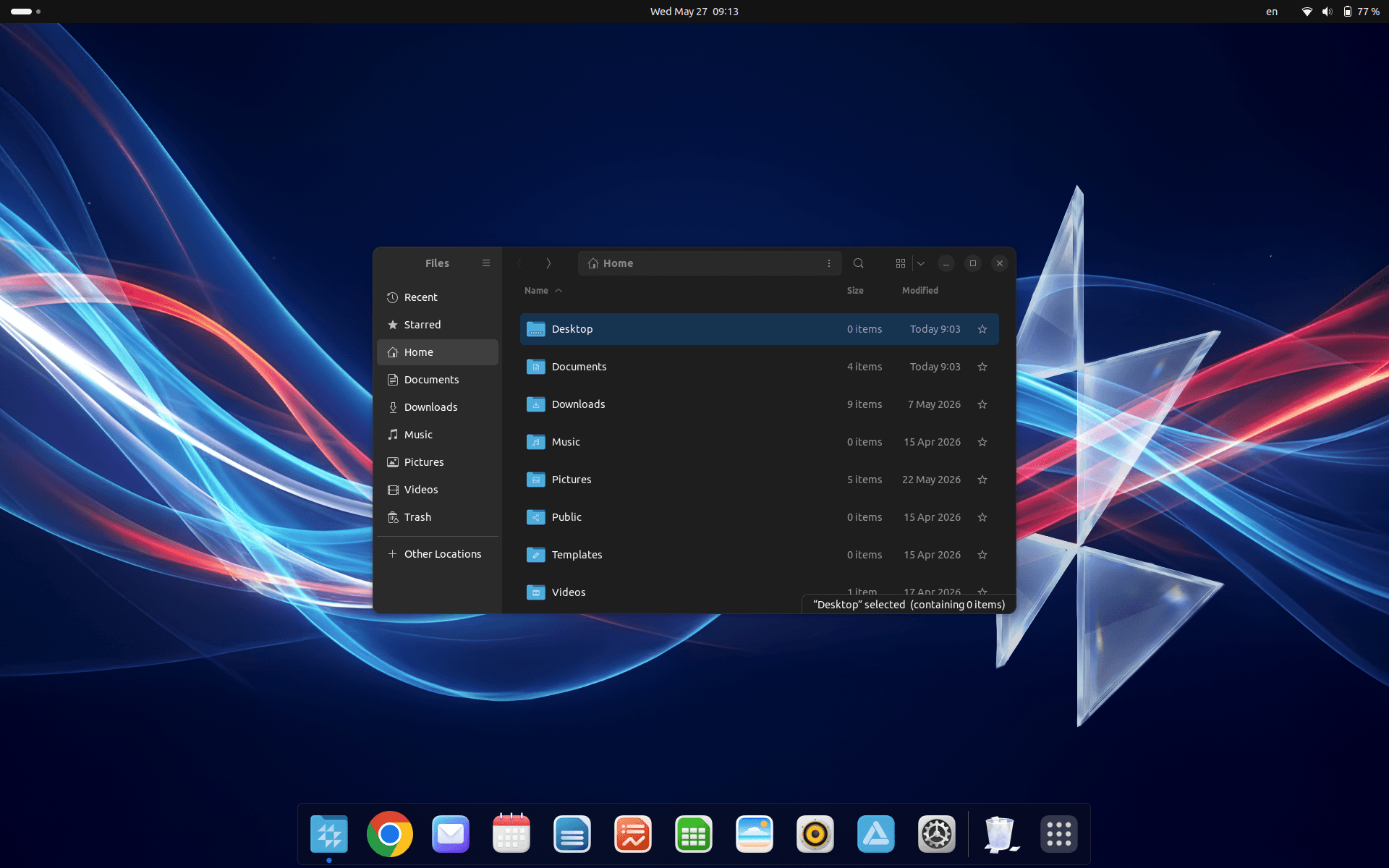
CrvenaOS comes with built-in tools that simplify everyday tasks without requiring additional software.
PDF Tools
- Document sorting
- Document merging
- File size optimisation
- File conversion
Photo Tools
- Format conversion
- Resizing and scaling
Video Tools
- Format conversion
Automation
- Ready-made scripts for faster and more efficient work
Installation
Installation in 3 simple steps.
Installation takes 5–10 minutes. Users without technical skills can install CrvenaOS by following the step-by-step guide.
OS Installation
Follow the on-screen instructions and complete the installation in just minutes.
Detailed steps →Detailed instructions are available in the USB, installation and first-use guides.
Our support team is ready to help you at any time.
Application Ecosystem
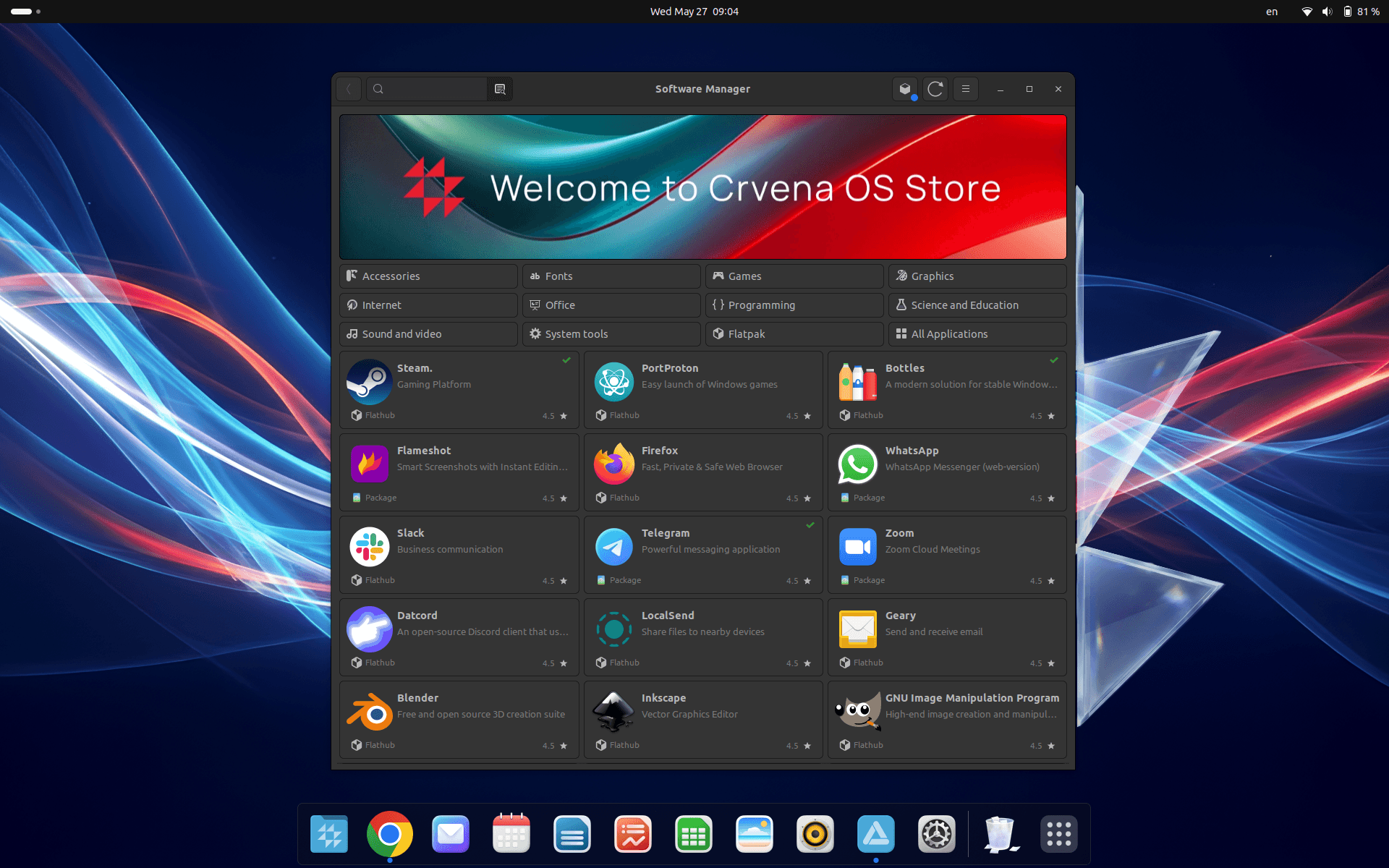
60,000+ applications available in the store.
Find everything you need — from web browsers to professional tools for creatives and developers.
Web Browsers
Office
Communication
3D Modelling & Printing
Privacy
Your data. Your control. No exceptions.
This applies to your files and information entered via keyboard, microphone and camera. Linux tools such as LUKS and Cryptomator enable partition and folder encryption.
Who is CrvenaOS for?
For everyone who wants a better operating system.
Home Users
Simple everyday use with practical tools for everyone.
Students
Applications for learning, creativity and a safe digital space.
Office Workers
Everything needed for office work and collaboration with colleagues.
Entrepreneurs & Influencers
Tools to organise a team and support a growing business.
System Requirements
Runs on modern hardware.