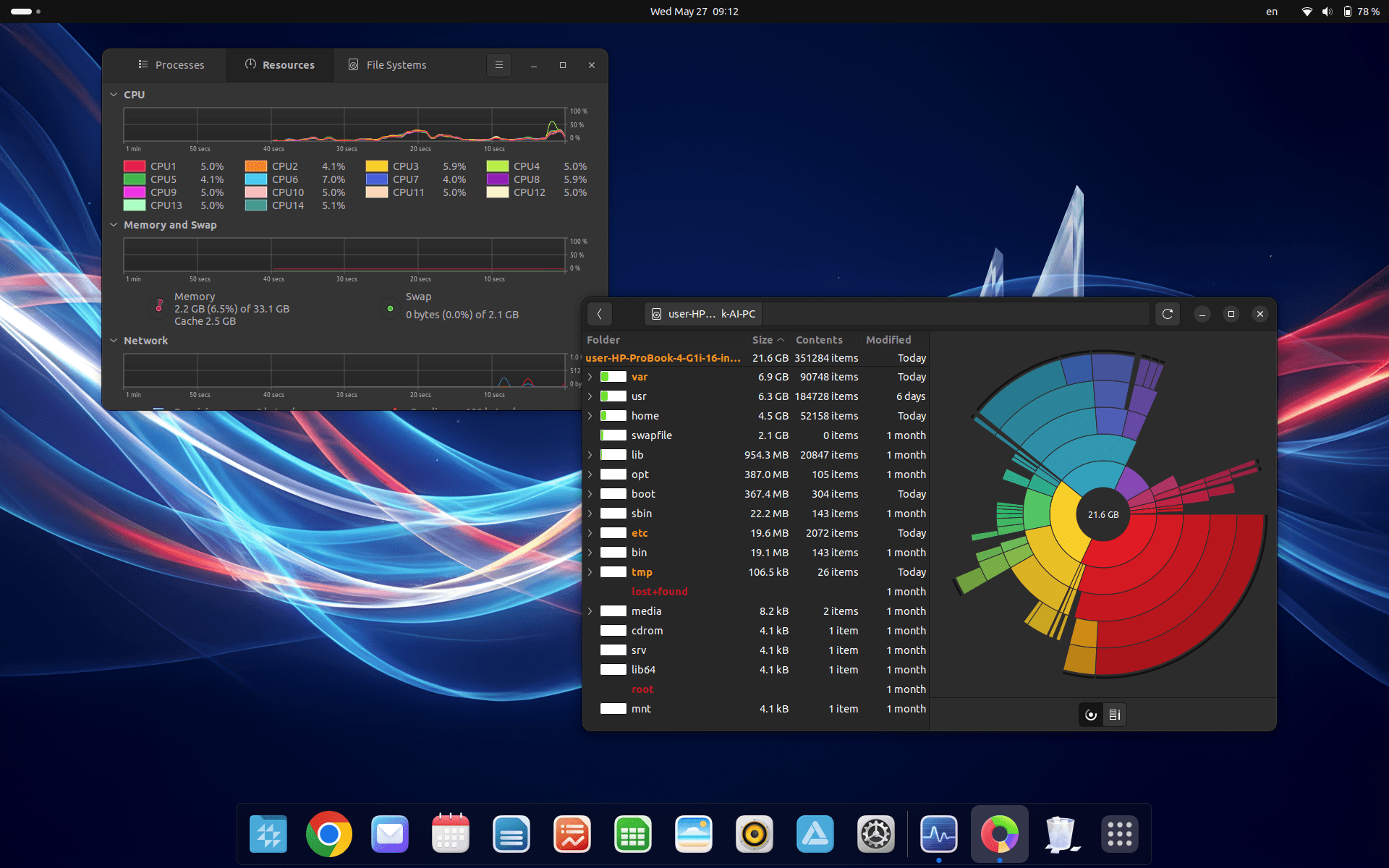
First use
First launch of CrvenaOS
Thank you for choosing CrvenaOS. Congratulations on installing this fast and practical operating system. We will show you a few simple steps to get started quickly.
1. Signing in to CrvenaOS
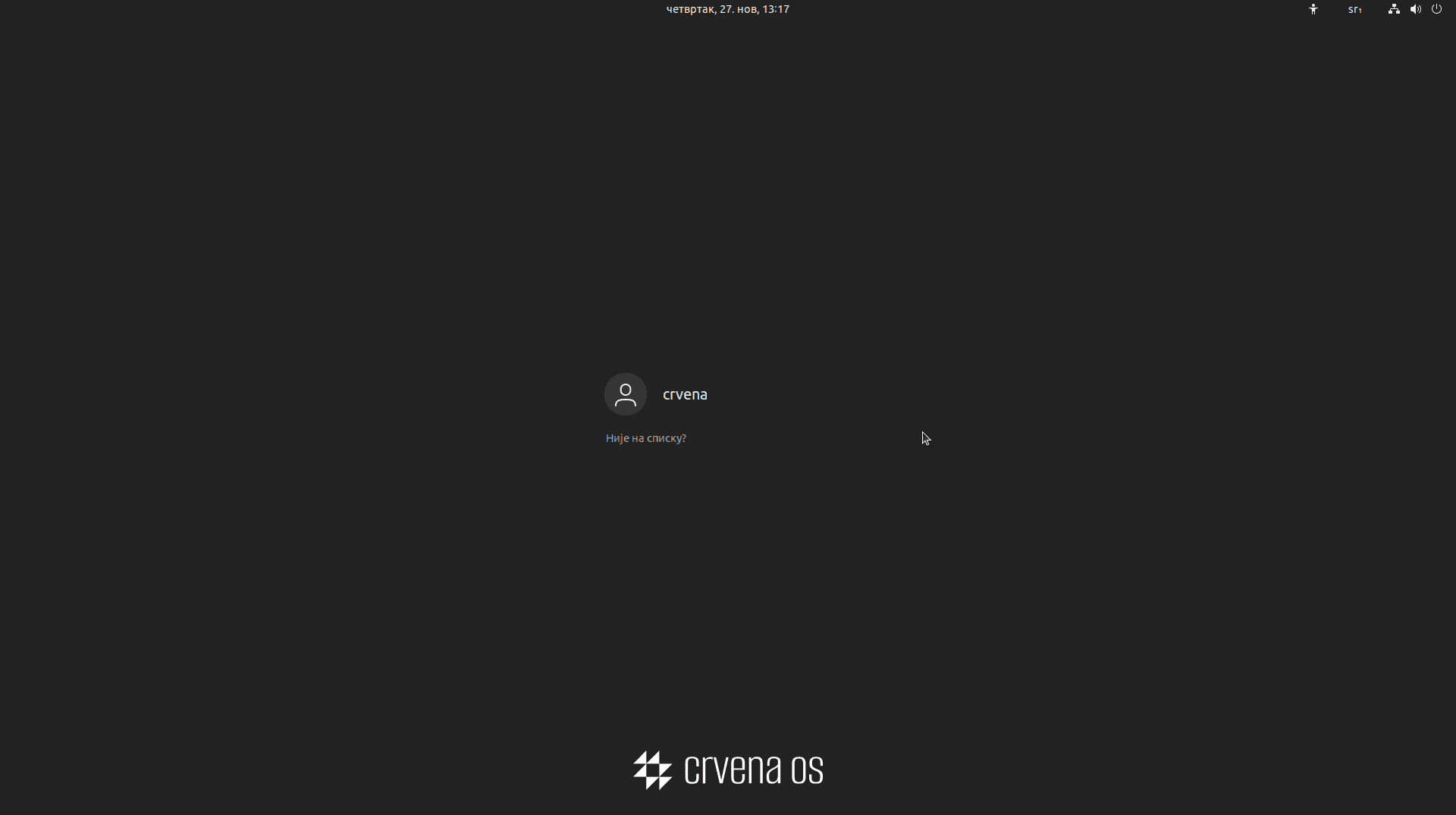
CrvenaOS is already installed, the computer is on, and you see the sign-in screen. Click the username (in the example “crvena”, but you will see the name you set during installation). Next, enter the password you set during installation.
Note
In CrvenaOS this password is used not only for signing in but also for important actions such as installing and uninstalling programs or certain settings. This helps keep your data more secure.
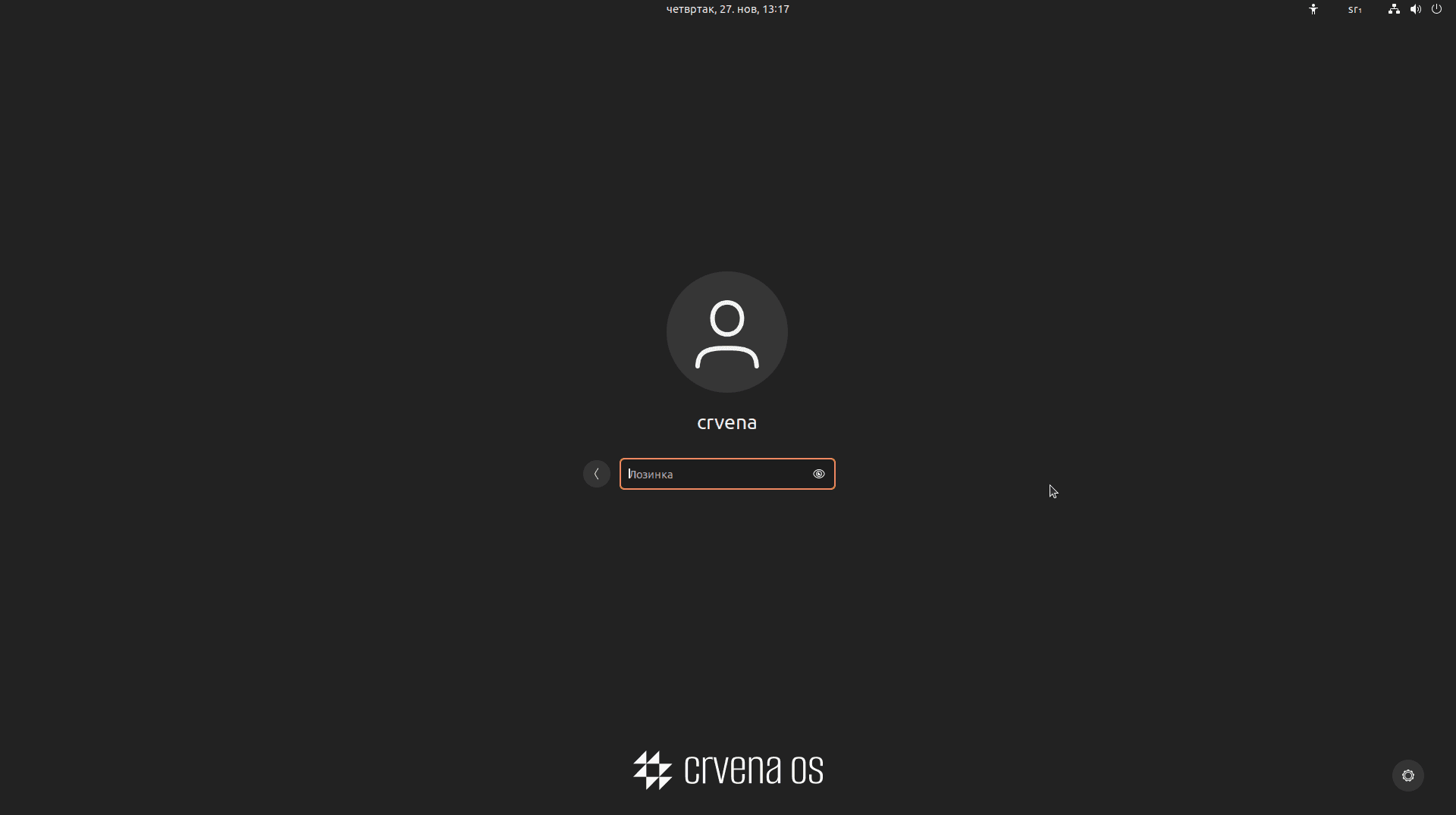
Enter password
Enter your password and sign in to the system. Welcome to CrvenaOS!
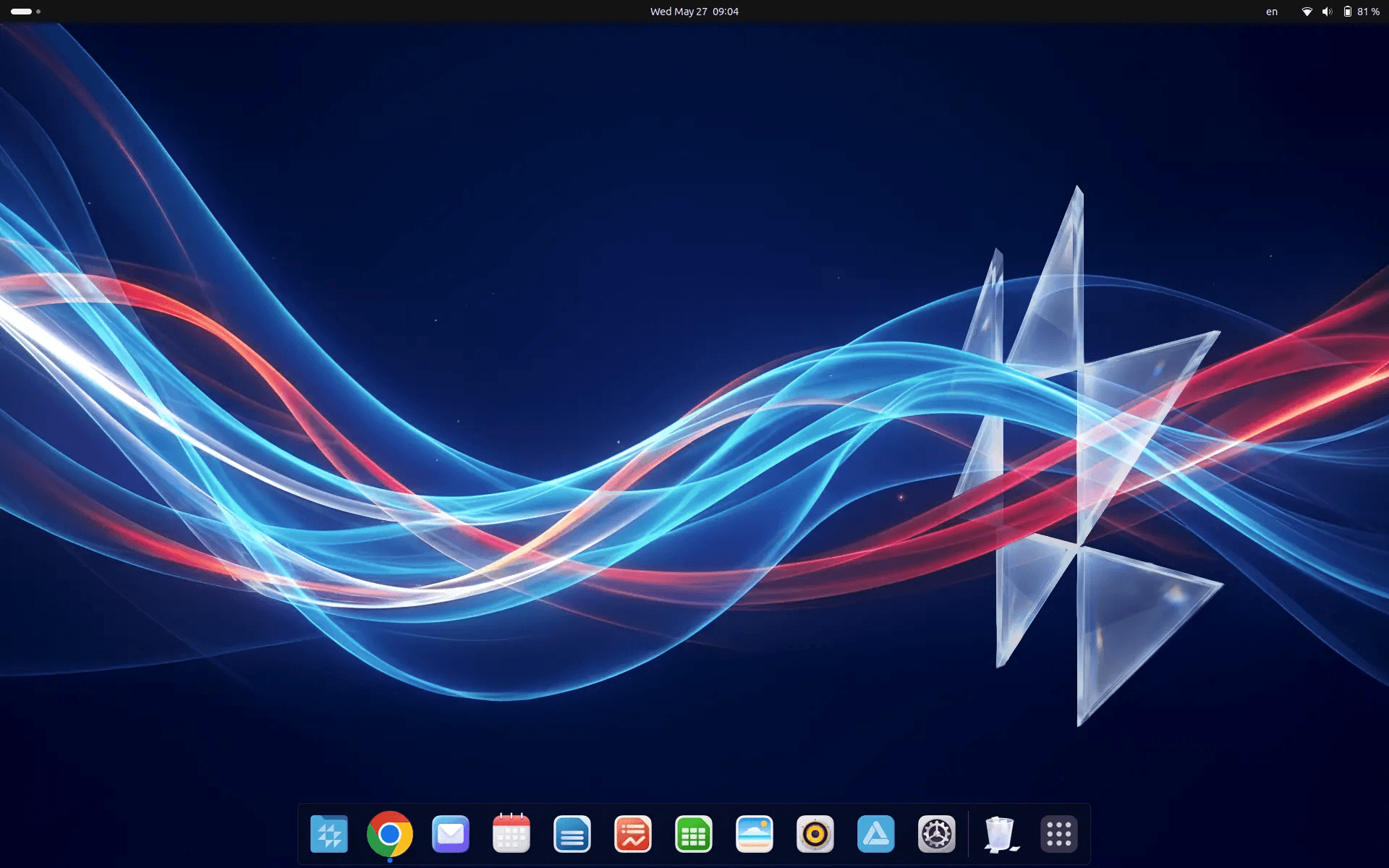
Desktop
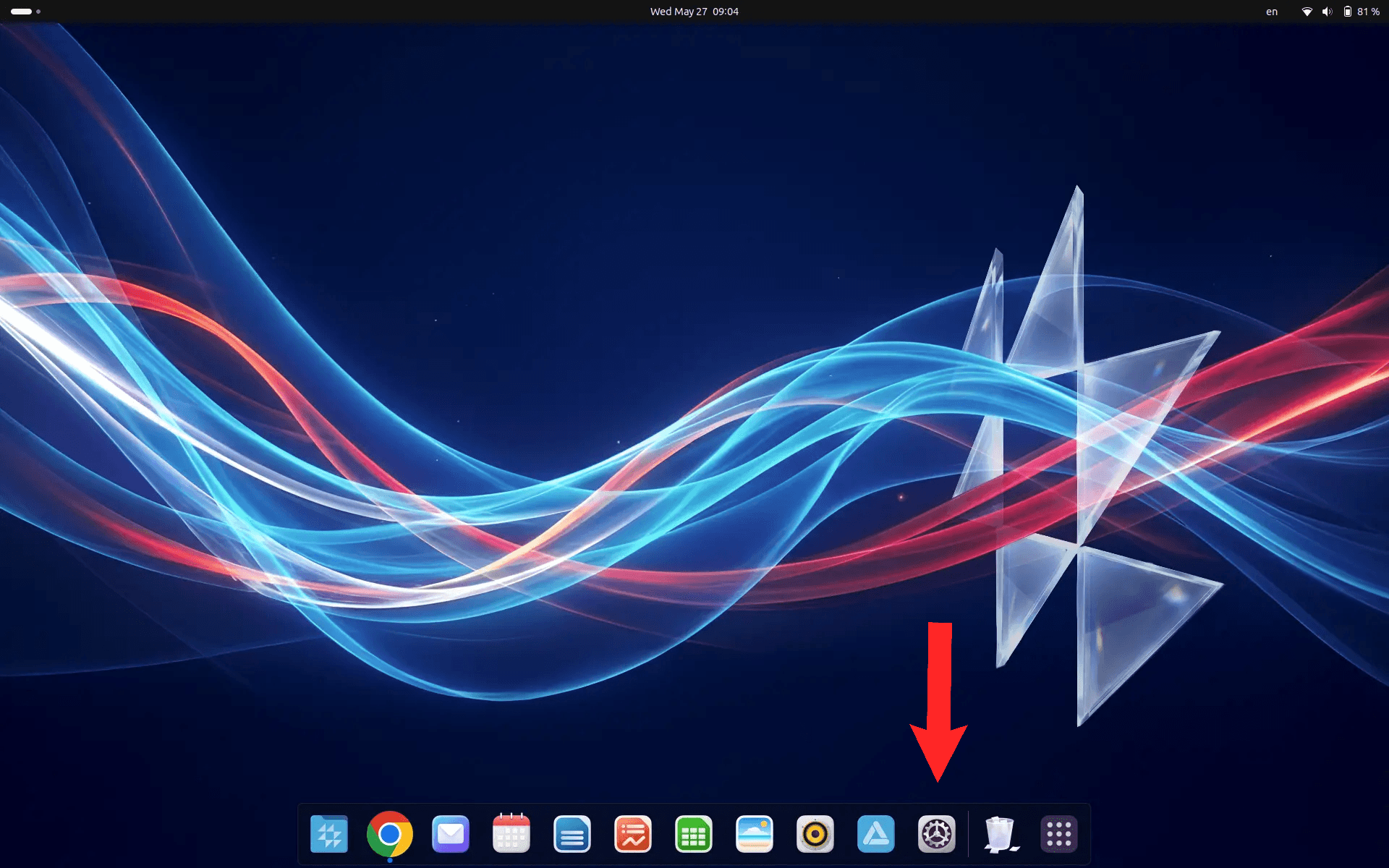
After signing in you will see the CrvenaOS desktop, ready to use.
2. Activating your CrvenaOS licence
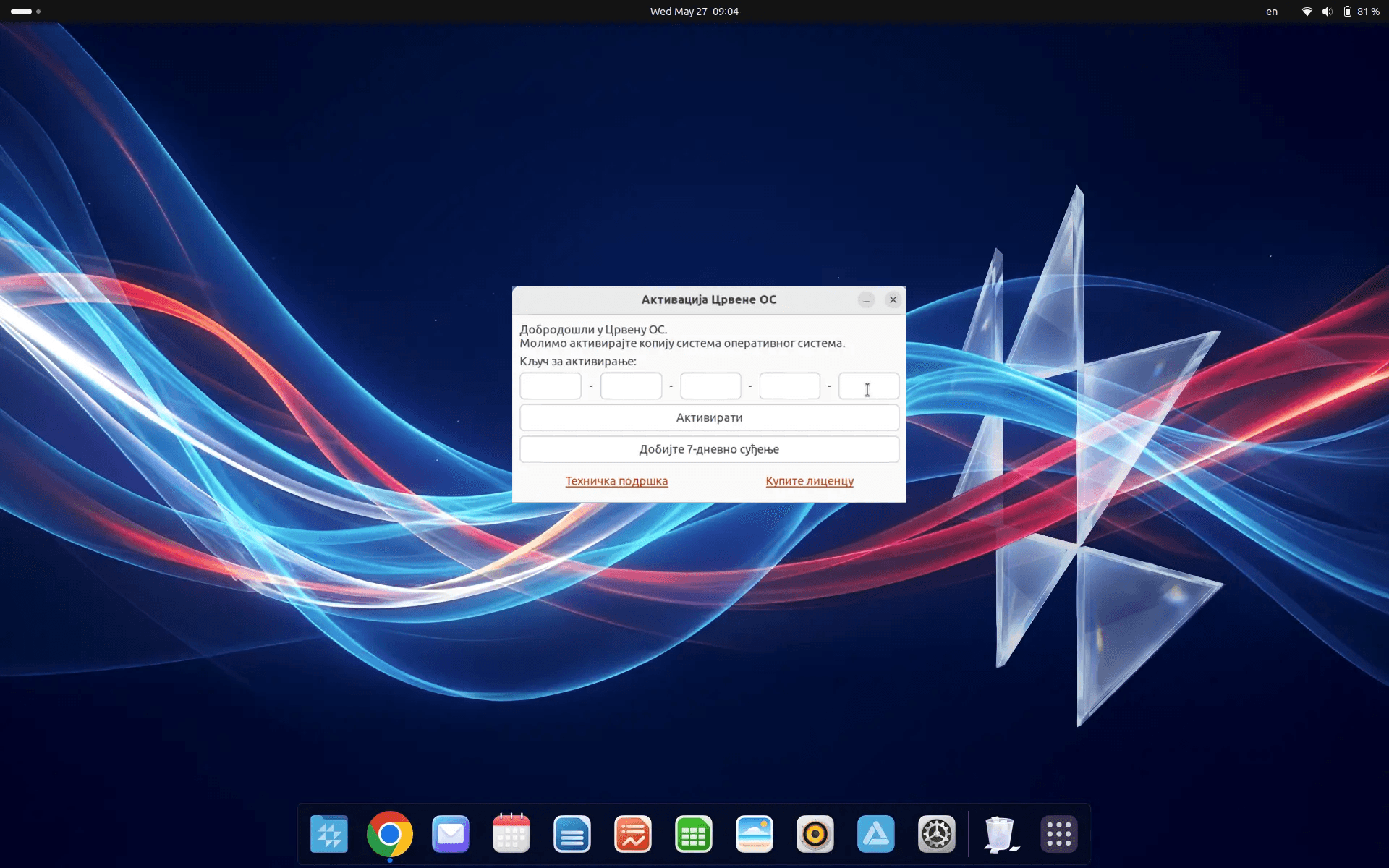
During first use the “Crvena OS Activation” window appears. Enter your activation key and click “Activate”, or choose “Get a 7-day trial” if you do not have a licence yet.
Note
Without a key or trial you will not be able to use the App Store and some system settings. Access to some updates and technical support may be limited. Technical support and licence purchase links are available in the same window.
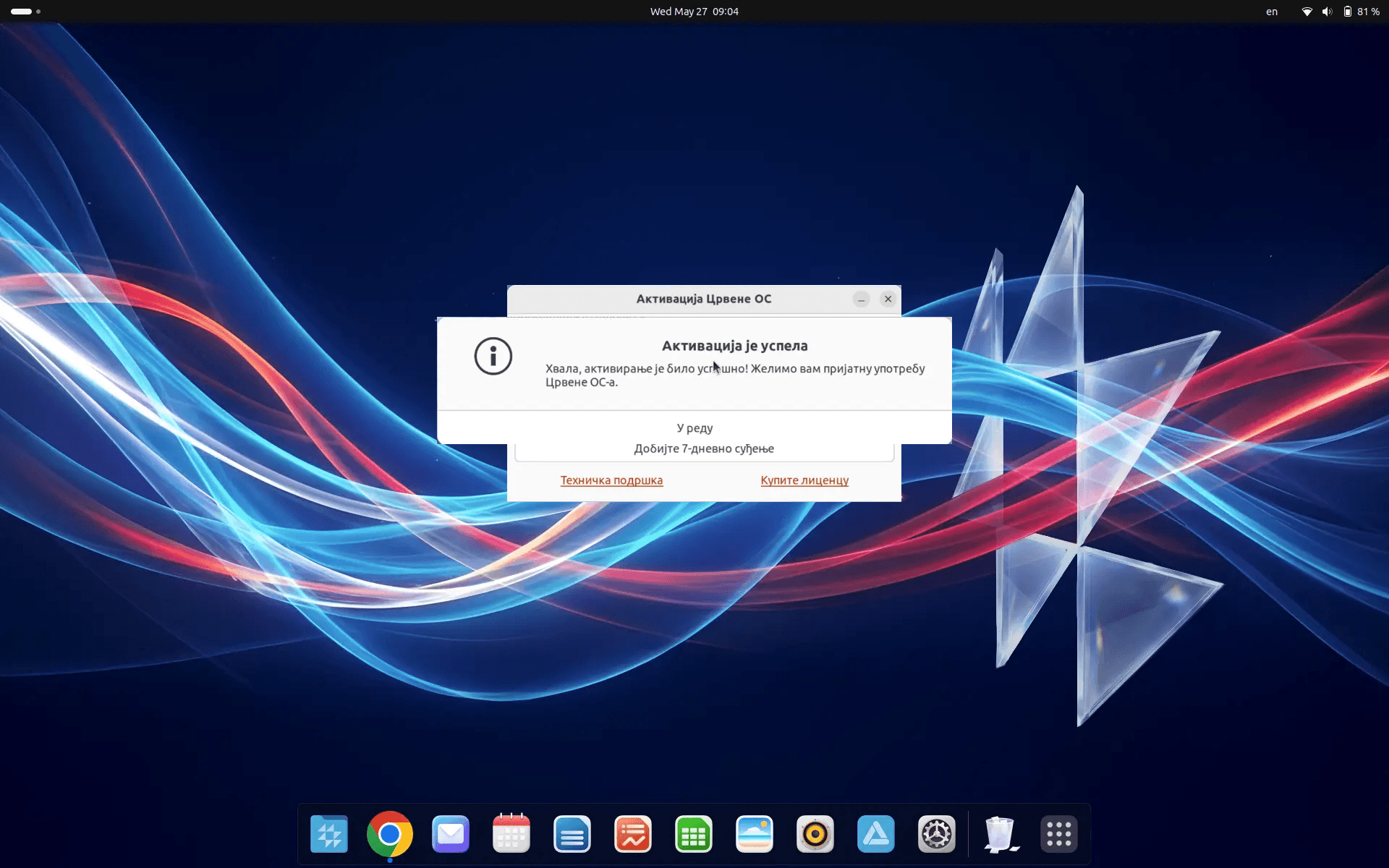
After successful activation you will see the confirmation “Activation was successful”. Click “OK” to continue. If you have any problems or questions, contact technical support.
3. Basic actions in CrvenaOS
Launch applications
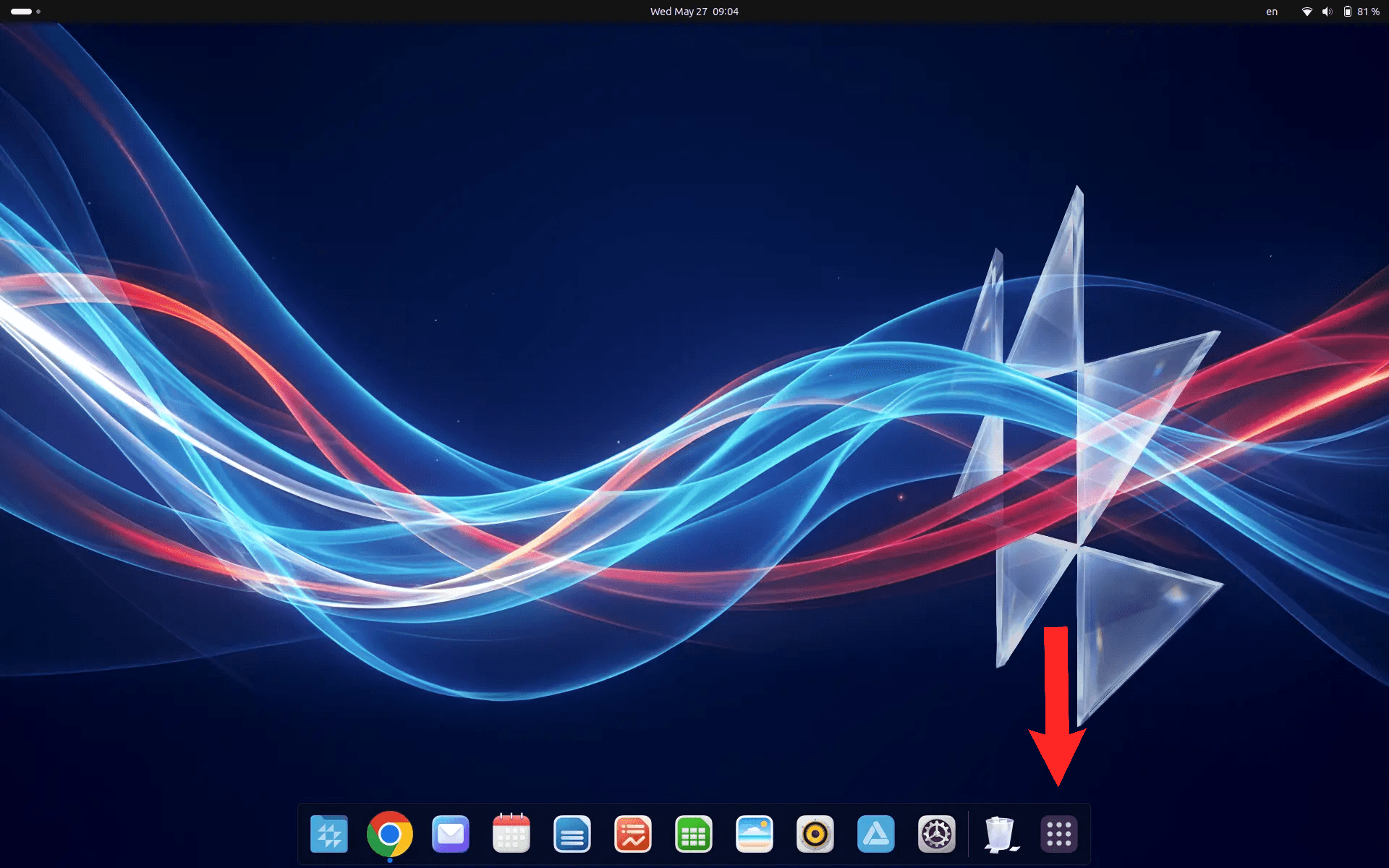
On the bottom dock, click the grid icon to open the app menu and launch installed applications.
Application store
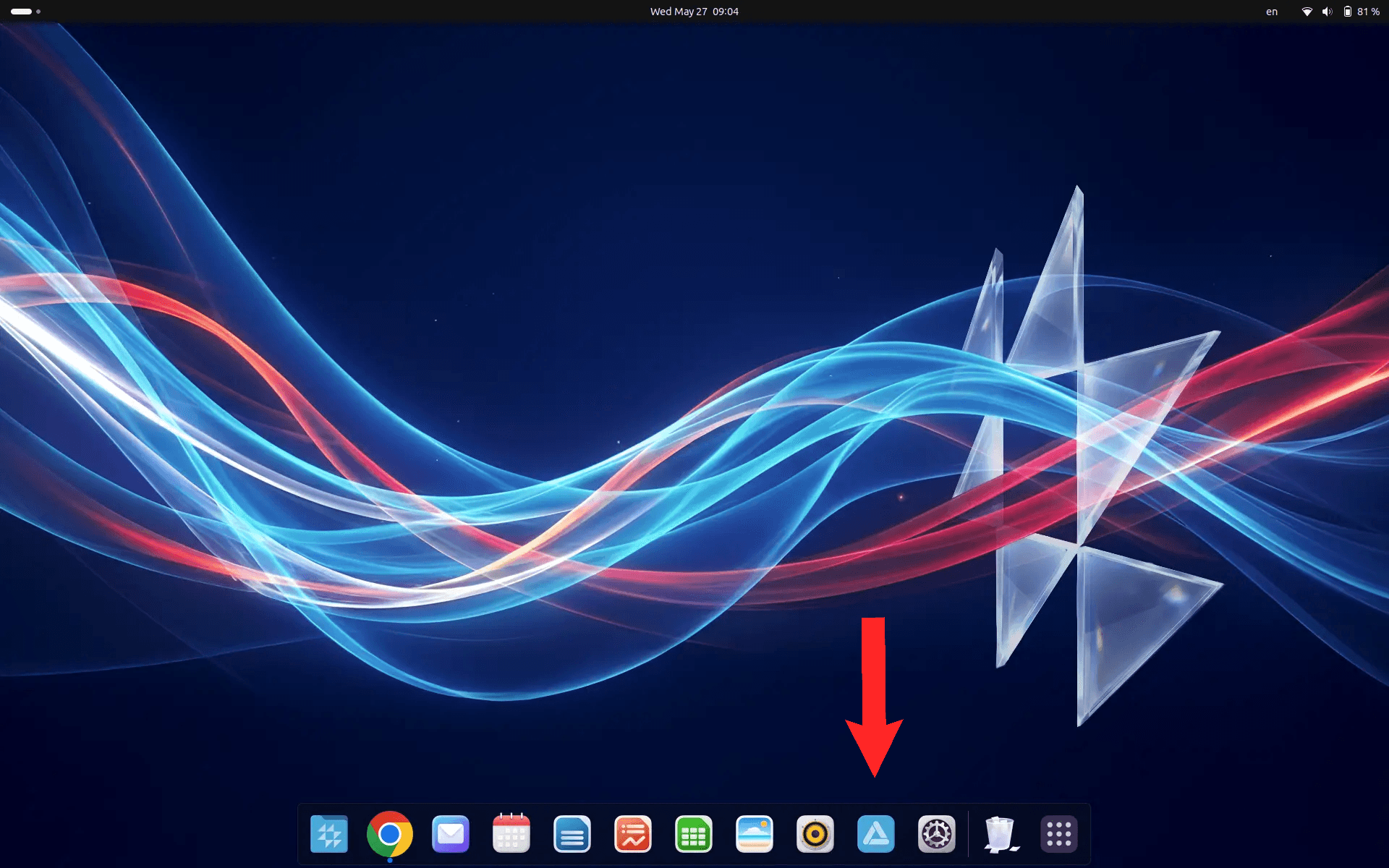
Open the application store icon on the dock — a manager with over 60,000 apps for every need.
Settings
Click the gear icon on the dock to open Settings and customise the system to your preferences.
System Requirements
Runs on modern hardware.