
Create USB
Create a bootable USB flash drive for CrvenaOS
Installing CrvenaOS is simple and convenient with a USB flash drive. Follow the steps below to create bootable media.
- USB flash drive with at least 8 GB capacity
- Latest CrvenaOS ISO image from our website
- A working computer (Windows, Mac or Linux)
- A tool for creating a bootable USB device from an ISO file
Steps
Download the ISO
Download the latest CrvenaOS version from our website to the computer you will use to create the flash drive.
Important
Simply copying the downloaded file to the flash drive is not enough. You need a tool that writes the ISO image. We recommend free balenaEtcher.
Important
All existing content on the flash drive will be erased!
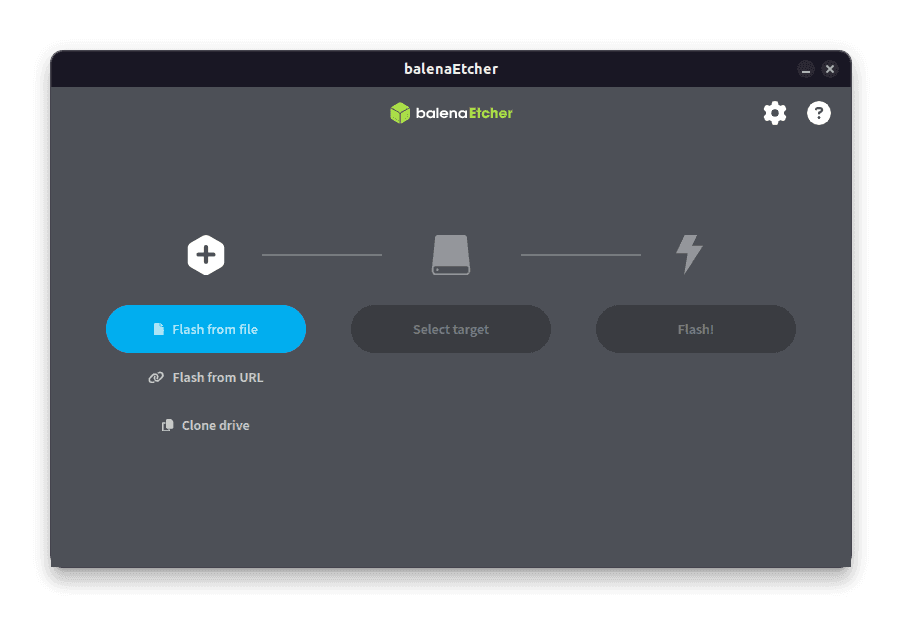
Launch balenaEtcher
Download free balenaEtcher from the official site at etcher.balena.io. Insert the flash drive into a USB port, open the app and follow the on-screen steps.
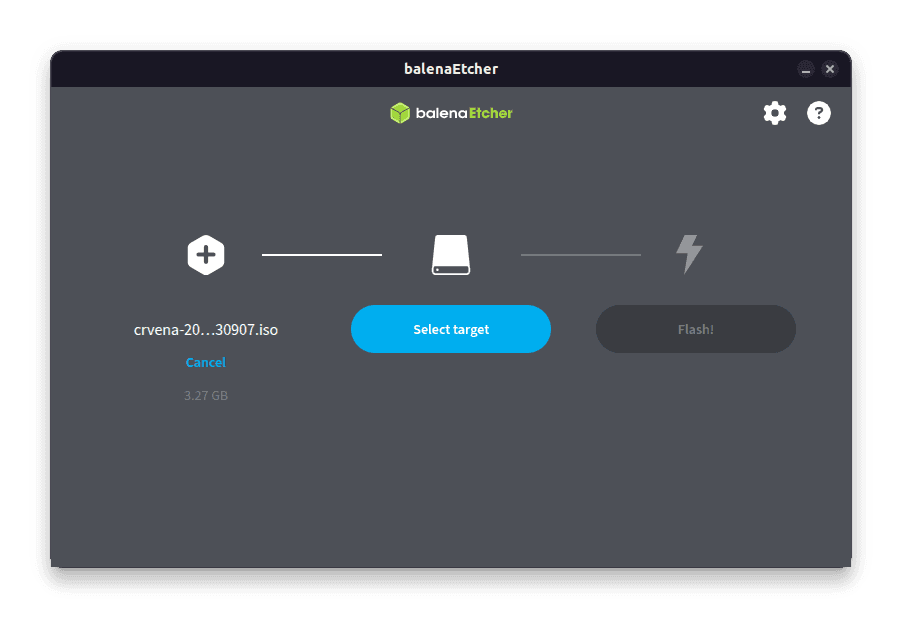
Select the ISO
In balenaEtcher, select the CrvenaOS ISO file you downloaded in step 1.
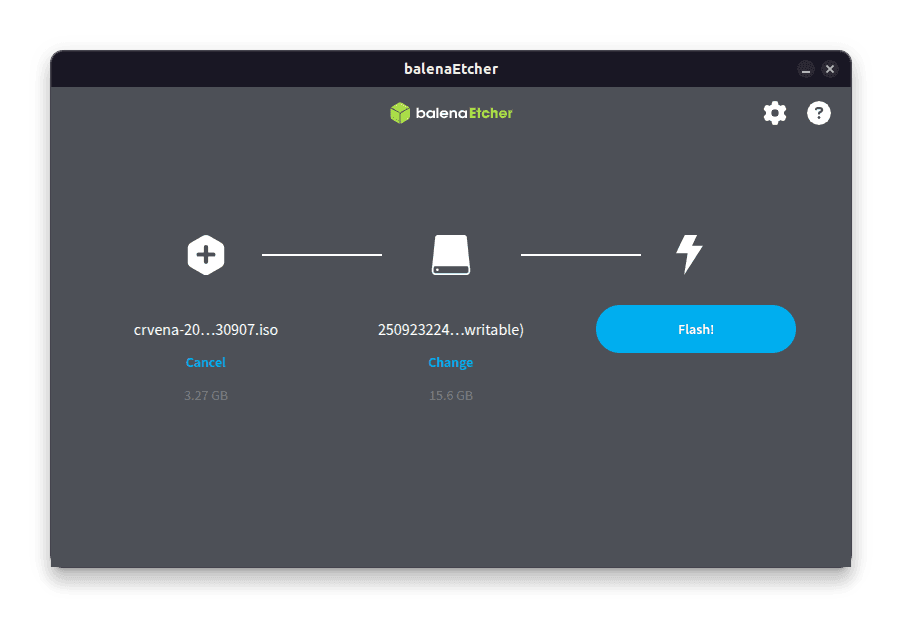
Select the USB device
Select the flash drive you want to write to. Double-check that you picked the correct device.
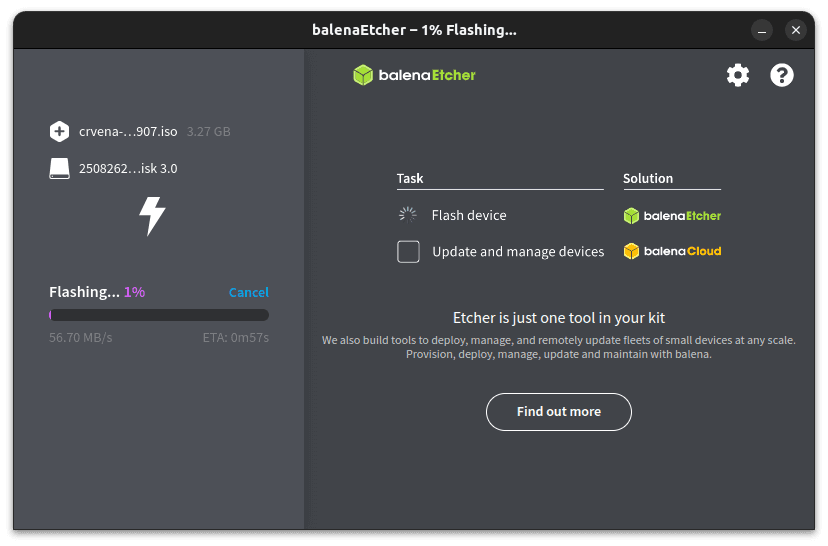
Flash
Click “Flash!” to start writing.
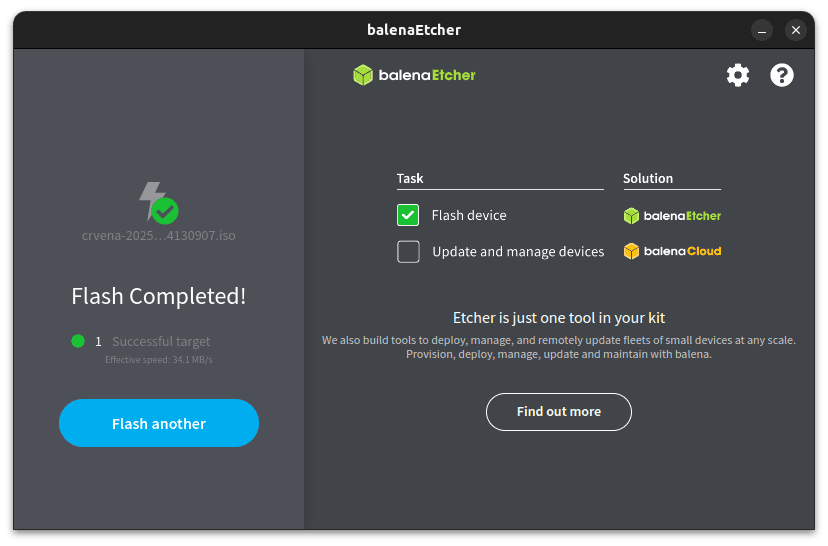
Wait
Writing and verification may take several minutes. Do not shut down the computer or remove the USB drive until the process finishes.
Done
Your bootable CrvenaOS flash drive is ready. You can continue with system installation.