Download
Get CrvenaOS
Download the latest desktop ISO image and install CrvenaOS on your computer in just a few minutes.
Download ISO
Desktop · AMD64 (64-bit)
crvena-2026.05.09-desktop-amd64-r2.5.10-dev-main-ret-sr-101302545550.iso
After downloading, create a bootable USB drive and follow the installation steps below.
Installation
Installation in 3 simple steps.
Installation takes 5–10 minutes. Users without technical skills can install CrvenaOS by following the step-by-step guide.
1
2
3
OS Installation
Follow the on-screen instructions and complete the installation in just minutes.
Detailed steps →Detailed instructions are available in the USB, installation and first-use guides.
Our support team is ready to help you at any time.
System Requirements
Runs on modern hardware.
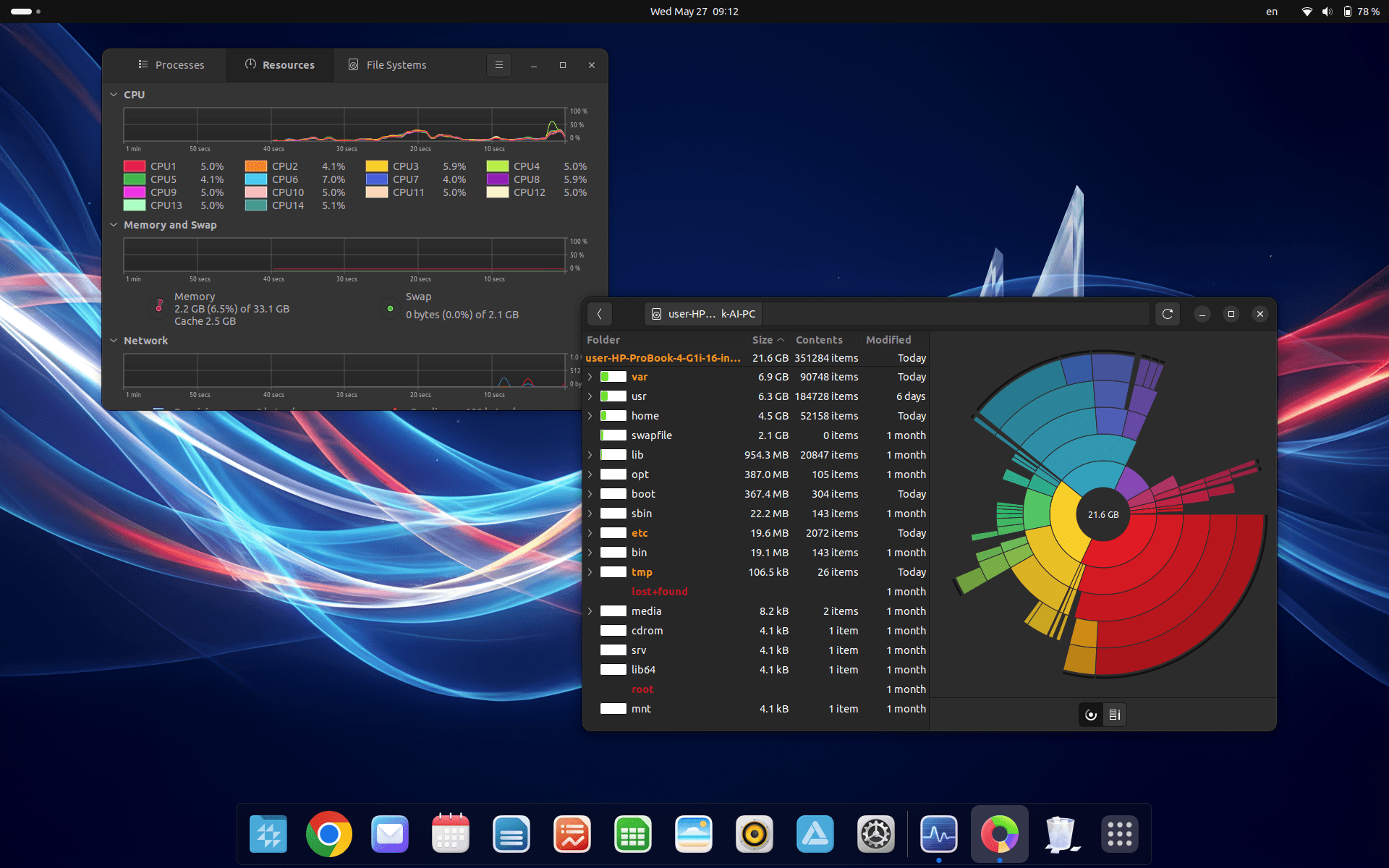
ArchitectureAMD64 (Intel/AMD 64-bit)
ProcessorMinimum 2 GHz
RAM4 GB (recommended)
Disk spaceAt least 25 GB free